Perl Hacks
  on Vim
            Lin You-An
          c9s / Cornelius
       pause id: CORNELIUS
Lin You-An
VIM & Perl
how can vim improve
perl coding productivity
 vim       coding   产   ?
The worst way to edit
          编辑
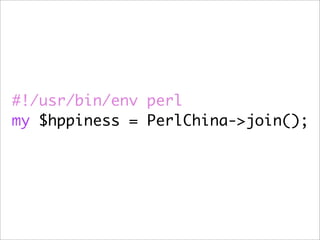
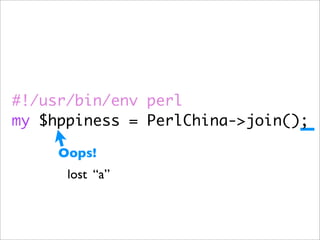
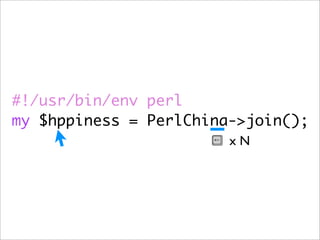
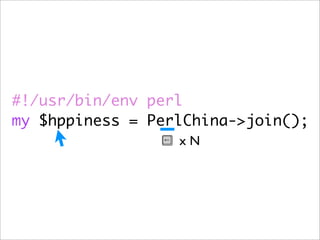
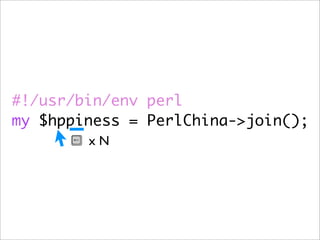
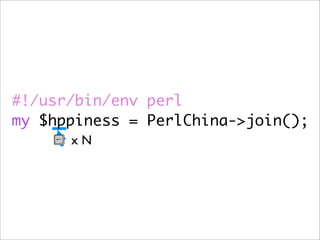
#!/usr/bin/env perl
my $hppiness = PerlChina->join();
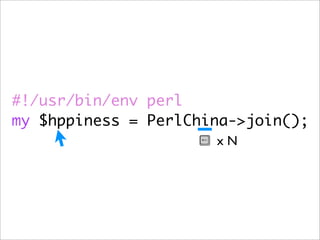
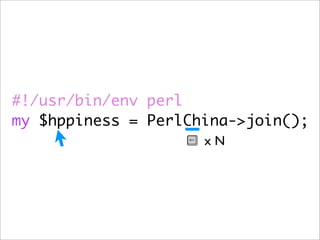
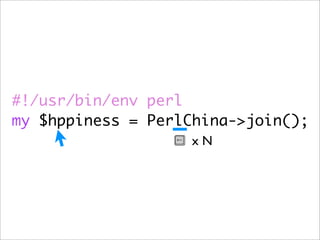
#!/usr/bin/env perl
my $hppiness = PerlChina->join();

     Oops!
      lost “a”
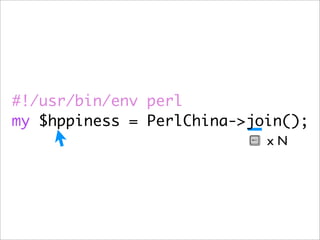
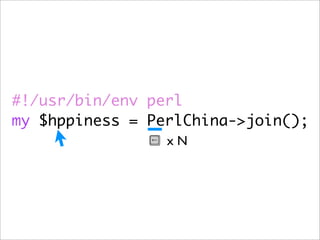
#!/usr/bin/env perl
my $hppiness = PerlChina->join();
                            xN
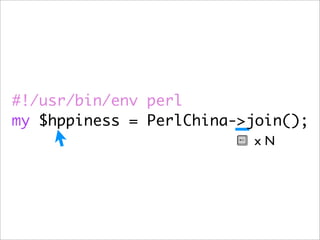
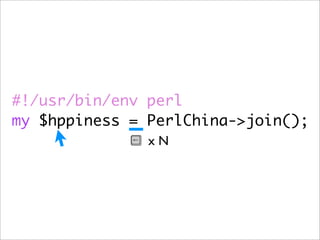
#!/usr/bin/env perl
my $hppiness = PerlChina->join();
                          xN
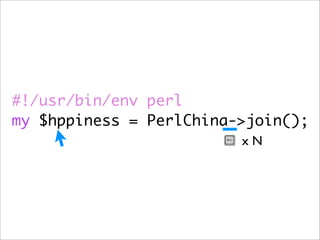
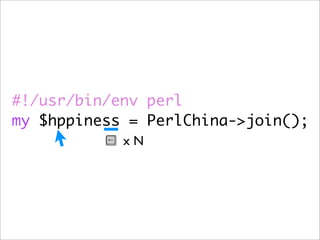
#!/usr/bin/env perl
my $hppiness = PerlChina->join();
                         xN
#!/usr/bin/env perl
my $hppiness = PerlChina->join();
                        xN
#!/usr/bin/env perl
my $hppiness = PerlChina->join();
                      xN
#!/usr/bin/env perl
my $hppiness = PerlChina->join();
                     xN
#!/usr/bin/env perl
my $hppiness = PerlChina->join();
                    xN
#!/usr/bin/env perl
my $hppiness = PerlChina->join();
                  xN
#!/usr/bin/env perl
my $hppiness = PerlChina->join();
                 xN
#!/usr/bin/env perl
my $hppiness = PerlChina->join();
               xN
#!/usr/bin/env perl
my $hppiness = PerlChina->join();
            xN
#!/usr/bin/env perl
my $hppiness = PerlChina->join();
        xN
#!/usr/bin/env perl
my $hppiness = PerlChina->join();
      xN
#!/usr/bin/env perl
my $hppiness = PerlChina->join();
#!/usr/bin/env perl
my $hppiness = PerlChina->join();
#!/usr/bin/env perl
my $hppiness = PerlChina->join();

               if this costs 4 sec
#!/usr/bin/env perl
my $hppiness = PerlChina->join();

                      if this costs 4 sec

        if x 50 times this kind of situation per day
#!/usr/bin/env perl
my $hppiness = PerlChina->join();

                      if this costs 4 sec

        if x 50 times this kind of situation per day
#!/usr/bin/env perl
my $hppiness = PerlChina->join();

                        if this costs 4 sec

          if x 50 times this kind of situation per day
     and you work for more than 300 day per year
                                        = 16.6 hours
#!/usr/bin/env perl
my $hppiness = PerlChina->join();

                        if this costs 4 sec

          x 50 times this kind of situation per day ?
     and you work for more than 300 day per year
                                        = 16.6 hours
#!/usr/bin/env perl
my $hppiness = PerlChina->join();

                        if this costs 4 sec


              Awful
          x 50 times this kind of situation per day ?
     and you work for more than 300 day per year
                                        = 16.6 hours
What can you do in
   16.6 hours
or more hacking
sleep...
时间   钱
The VIM way...
VIM:
#!/usr/bin/env perl
my $hppiness = perlchina->join();
                        F   h
VIM:
#!/usr/bin/env perl
my $hppiness = perlchina->join();
       a ppend a
VIM:
#!/usr/bin/env perl
my $hppiness = perlchina->join();
    f   P
VIM:
#!/usr/bin/env perl
my $hppiness = Perlchina->join();
                ~
VIM:
#!/usr/bin/env perl
my $hppiness = PErlchina->join();
                 ~
VIM:
#!/usr/bin/env perl
my $hppiness = PERlchina->join();
                  ~
VIM:
#!/usr/bin/env perl
my $hppiness = PERLchina->join();
                   ~
So What is VIM ?
VIM   IDE
VIM is an
 Editor
VI Improved
Move More Efficiently.
               动
Features
1. Mode
More Than
4 Edit Mode
INSERT
NORMAL
 VISUAL
 SELECT
  ... et cetera
ESC
      [Ii]NSERT
      NORMAL
      [Vv]ISUAL
1.1 Normal Mode
Motion
HJKL
←↓↑→
h ,j ,k ,l
H ,M ,L
 w ,e ,b
f[x] , t[x]
[{ , ]} , %
 ( ,) ,{ ,}
# comments ...

foreach my $foo ( @bar ) {

    # do something

   my @outs = grep /pattern/ , @list;
	 	
}

sub func1 {


}
# comments ...

foreach my $foo ( @bar ) {

    # do something

   my @outs = grep /pattern/ , @list;
	 	             Cursor
}

sub func1 {


}
# comments ...

foreach my $foo ( @bar ) {

    # do something            [{

   my @outs = grep /pattern/ , @list;
	 	
}

sub func1 {


}
# comments ...

foreach my $foo ( @bar ) {

    # do something

   my @outs = grep /pattern/ , @list;
	 	
}                                  f@

sub func1 {


}
# comments ...

foreach my $foo ( @bar ) {

    # do something

   my @outs = grep /pattern/ , @list;
	 	
}                                       $

sub func1 {


}
# comments ...

foreach my $foo ( @bar ) {

    # do something

   my @outs = grep /pattern/ , @list;
	 	
}      ^

sub func1 {


}
# comments ...
    H
foreach my $foo ( @bar ) {

    # do something

   my @outs = grep /pattern/ , @list;
	 	
}

sub func1 {


}
# comments ...

foreach my $foo ( @bar ) {

    # do something

   my @outs = grep /pattern/ , @list;
	 	 M
}

sub func1 {


}
# comments ...

foreach my $foo ( @bar ) {

    # do something

   my @outs = grep /pattern/ , @list;
	 	
}

sub func1 {


}
      L
# comments ...

foreach my $foo ( @bar ) {

    # do something

   my @outs = grep /pattern/ , @list;
	 	
}

sub func1 {


}
# comments ...

foreach my $foo ( @bar ) {

    # do something

    my @outs = grep
	
}                     C
                             Insert mode
sub func1 {


}
# comments ...

foreach my $foo ( @bar ) {

    # do something

   my @outs = grep /pattern/ , @list;
	 	
}

sub func1 {


}
# comments ...

foreach my $foo ( @bar ) {

    # do something

   my @outs = grep /pattern/ , @list;
	 	
}

     %
sub func1 {


}
:h motion.txt
1.2 Insert Mode
Editing text
Insert Mode

• i : Insert text before the cursor
Insert Mode

• i : Insert text before the cursor
• I : Insert text before the first non-blank in the
  line
Insert Mode

• i : Insert text before the cursor
• I : Insert text before the first non-blank in the
  line
• a : Append text after the cursor
Insert Mode

• i : Insert text before the cursor
• I : Insert text before the first non-blank in the
  line
• a : Append text after the cursor
• A : Append text at the end of the line
1.3 Visual Mode
Select region
Visual Mode

• v : start Visual mode per character.
Visual Mode

• v : start Visual mode per character.
• V : start Visual mode linewise.
Visual Mode

• v : start Visual mode per character.
• V : start Visual mode linewise.
• Ctrl-v : start Visual mode blockwise.
Visual Mode

• v : start Visual mode per character.
• V : start Visual mode linewise.
• Ctrl-v : start Visual mode blockwise.
                 operator       y (yank) , d
                (delete) , c (change) ... etc
2. Syntax Highlight Support
/opt/local/share/vim/vim72
$ ls -1 syntax/ | wc -l
   520


              more than 500 syntax files
Syntax
Perl code needs syntax
but we design more
   syntax in Perl.
              Perl
Modules need syntax too
Template::Declare
  template simple => sub {
     html {
       head {}
       body {
          p {'Hello, world wide web!'}
       }
     }
  };

   # ... templates
package MyView;
use Markapl;

tempalte '/a/page.html' => sub {
  h1("#title") { "Hi" };
  p(".first") { "In the begining, lorem ipsum...." };
  p(style => "color: red;") { "But...." };
}
Jifty::DBI::Schema
  package TestApp::Model::Phone;
  use Jifty::DBI::Schema;
  use Jifty::DBI::Record schema {
     column user =>
        references TestApp::Model::User by 'id',
        is mandatory;
     column type => ...;
     column value => ...;
  };
~/.vim/syntax/[filetype].vim

syn match [id] [re] [options]