Download as PDF, PPTX

![EXAMPLE: LETS CONNECT TO A DB
(MONGODB)
Install mongojs using npm, a mongoDB driver for
Node.js
npm install mongojs
Code to retrieve all the documents from a
collection:
var db = require("mongojs")
.connect("localhost:27017/test", ['test']);
db.test.find({}, function(err, posts) {
if( err || !posts) console.log("No posts found");
else posts.forEach( function(post) {
console.log(post);
});
});](https://image.slidesharecdn.com/nodejs-presentation-180318104036/85/Nodejs-presentation-15-320.jpg)



![EXAMPLE: LETS CONNECT TO A DB
(MONGODB)
Install mongojs using npm, a mongoDB driver for
Node.js
npm install mongojs
Code to retrieve all the documents from a
collection:
var db = require("mongojs")
.connect("localhost:27017/test", ['test']);
db.test.find({}, function(err, posts) {
if( err || !posts) console.log("No posts found");
else posts.forEach( function(post) {
console.log(post);
});
});](/p?url=https%3A%2F%2Fimage.slidesharecdn.com%2Fnodejs-presentation-180318104036%2F85%2FNodejs-presentation-15-320.jpg&__src=https%3A%2F%2Fwww.slideshare.net%2Fslideshow%2Fnodejs-presentation-91061690%2F91061690&__type=image)


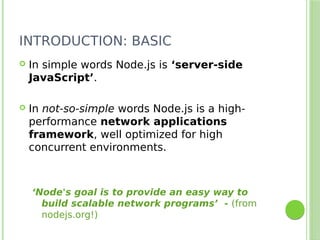
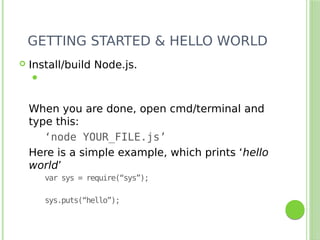
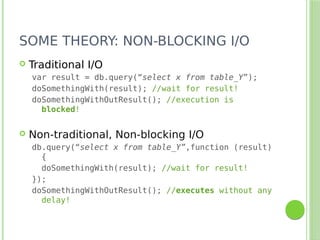
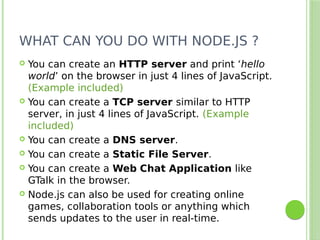
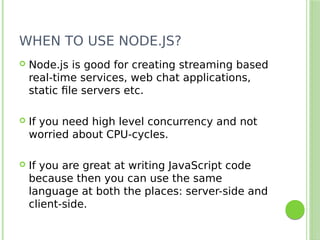
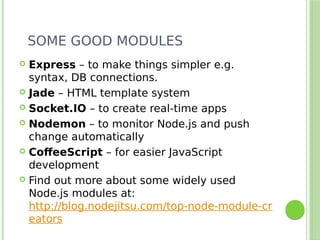
This document provides an introduction and overview of Node.js and MongoDB. It discusses that Node.js is a JavaScript runtime built on Chrome's V8 JavaScript engine that uses an event-driven, non-blocking I/O model. It can be used for real-time applications and is well-suited for I/O-intensive applications. MongoDB is also introduced as a popular JSON-based NoSQL database that can be easily used with Node.js applications. Examples are given for connecting to MongoDB from Node.js code.


![[GDG-Fremont] Building Multi-Agentic ecosystem using Gemini.pdf](https://cdn.slidesharecdn.com/ss_thumbnails/gdg-fremontbuildingmulti-agenticecosystemusinggemini-260601215542-0431b465-thumbnail.jpg?width=640&height=640&fit=bounds)


