JAVASCRIPT
SOUMEN SANTRA
MCA, M.Tech, SCJP, MCP
JavaScript?
• It is a dynamic computer programming language.
• It is lightweight and most commonly used as a part
of web pages.
• It implements client-side script to interact with the
user.
•It makes dynamic web pages.
•It is an interpreted programming language with
object-oriented capabilities.
JavaScript : Features
It is a lightweight, interpreted programming language.
 It is Designed for creating network-centric applications.
 It is Complementary to and integrated with Java.
 It is Complementary to and integrated with HTML.
 It is an Open and cross-platform.
Java != JavaScript
These two are two completely different languages in both
concept and design!
Java developed by Sun Microsystems (now in Oracle)is a
powerful and much more complex programming language as C
and C++.
JavaScript is a Scripting language or client side language but
java uses as Server side language and also client side
language.
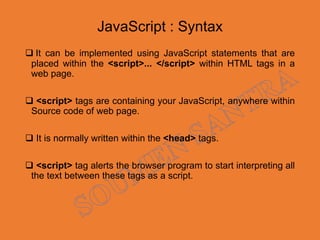
JavaScript : Syntax
 It can be implemented using JavaScript statements that are
placed within the <script>... </script> within HTML tags in a
web page.
 <script> tags are containing your JavaScript, anywhere within
Source code of web page.
 It is normally written within the <head> tags.
 <script> tag alerts the browser program to start interpreting all
the text between these tags as a script.
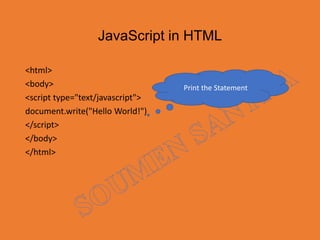
JavaScript in HTML
<html>
<body>
<script type="text/javascript">
document.write("Hello World!")
</script>
</body>
</html>
Print the Statement
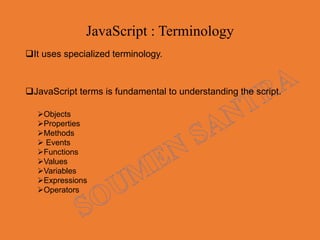
JavaScript : Terminology
It uses specialized terminology.
JavaScript terms is fundamental to understanding the script.
Objects
Properties
Methods
 Events
Functions
Values
Variables
Expressions
Operators
JavaScript : Object
 Objects are composed of attributes.
 If an attribute contains a function.
 It considers as either method of the object, or a property.
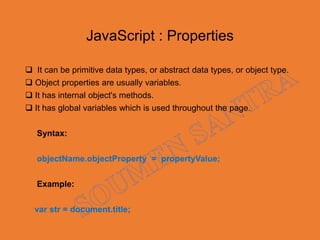
JavaScript : Properties
 It can be primitive data types, or abstract data types, or object type.
 Object properties are usually variables.
 It has internal object's methods.
 It has global variables which is used throughout the page.
Syntax:
objectName.objectProperty = propertyValue;
Example:
var str = document.title;
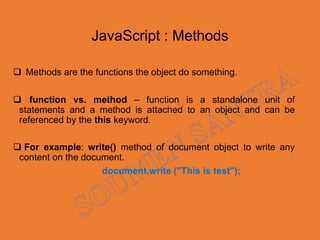
JavaScript : Methods
 Methods are the functions the object do something.
 function vs. method – function is a standalone unit of
statements and a method is attached to an object and can be
referenced by the this keyword.
 For example: write() method of document object to write any
content on the document.
document.write ("This is test");
JavaScript : Events
Events associate an object with an action.
• e.g., the OnMouseover event handler action can change an image.
• e.g., the onSubmit event handler sends a form
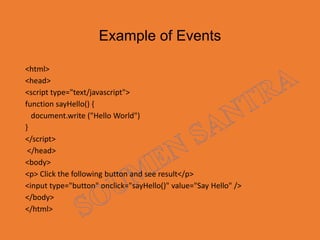
Example of Events
<html>
<head>
<script type="text/javascript">
function sayHello() {
document.write ("Hello World")
}
</script>
</head>
<body>
<p> Click the following button and see result</p>
<input type="button" onclick="sayHello()" value="Say Hello" />
</body>
</html>
Output
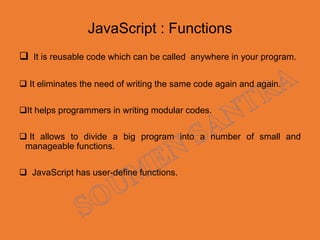
JavaScript : Functions
 It is reusable code which can be called anywhere in your program.
 It eliminates the need of writing the same code again and again.
It helps programmers in writing modular codes.
 It allows to divide a big program into a number of small and
manageable functions.
 JavaScript has user-define functions.
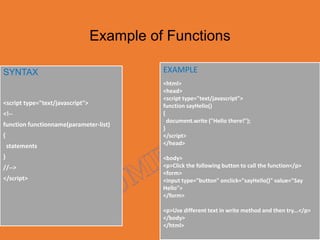
Example of Functions
SYNTAX
<script type="text/javascript">
<!--
function functionname(parameter-list)
{
statements
}
//-->
</script>
EXAMPLE
<html>
<head>
<script type="text/javascript">
function sayHello()
{
document.write ("Hello there!");
}
</script>
</head>
<body>
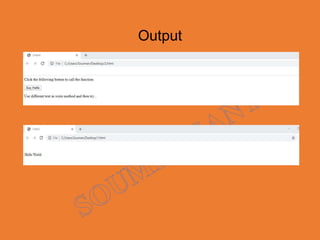
<p>Click the following button to call the function</p>
<form>
<input type="button" onclick="sayHello()" value="Say
Hello">
</form>
<p>Use different text in write method and then try...</p>
</body>
</html>
Output
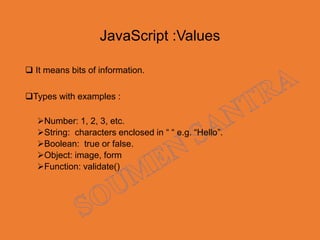
JavaScript :Values
 It means bits of information.
Types with examples :
Number: 1, 2, 3, etc.
String: characters enclosed in “ “ e.g. “Hello”.
Boolean: true or false.
Object: image, form
Function: validate()
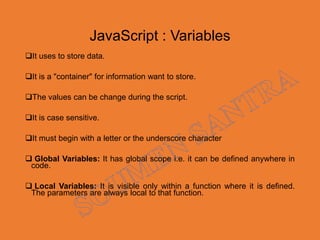
JavaScript : Variables
It uses to store data.
It is a "container" for information want to store.
The values can be change during the script.
It is case sensitive.
It must begin with a letter or the underscore character
 Global Variables: It has global scope i.e. it can be defined anywhere in
code.
 Local Variables: It is visible only within a function where it is defined.
The parameters are always local to that function.
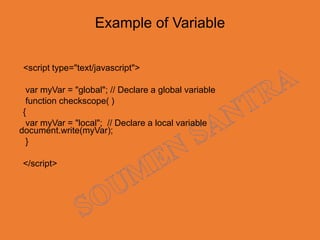
Example of Variable
<script type="text/javascript">
var myVar = "global"; // Declare a global variable
function checkscope( )
{
var myVar = "local"; // Declare a local variable
document.write(myVar);
}
</script>
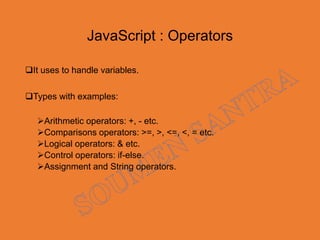
JavaScript : Operators
It uses to handle variables.
Types with examples:
Arithmetic operators: +, - etc.
Comparisons operators: >=, >, <=, <, = etc.
Logical operators: & etc.
Control operators: if-else.
Assignment and String operators.
JavaScript : Data types
 Type of values that can represented and manipulated.
 There are 3 primitive data types:
Numbers , e.g., 345, 456.78 etc.
Strings of text, e.g. “Welcome to javascript" etc.
Boolean, e.g. true or false.
 It has 2 trivial data types, null and undefined,
 Each type defines only a single value.
 JavaScript supports a composite data type, combination of primitive
data types called object.
JavaScript : Methods
 It resides in a separate page.
 It is embedded in HTML documents -- in <head> & <body> or in both.
 Object attributes can be placed in HTML element tags.
e.g., <body onLoad="alert('WELCOME')">
JavaScript : Statements
<html>
<head><title>My Page</title></head>
<body>
<script language="JavaScript">
document.write('This is my first JavaScript Page');
</script>
</body>
</html>
JavaScript : Statements
<html>
<head><title>My Page</title></head>
<body>
<script language=“JavaScript">
document.write('<h1>This is my first JavaScript Page</h1>');
</script>
</body>
</html>
JavaScript : Alert Message
 <body> uses the onLoad event to display an Alert window.
It is specified within parenthesis.
 <body onLoad="alert('WELCOME to JavaScript')">
Example JavaScript : Alert Message
<html>
<head><title>My Page</title></head>
<body>
<p>
<a href="myfile.html">My Page</a>
<br>
<a href="myfile.html"
onMouseover="window.alert('Hello');">
My Page</a>
</p>
</body>
</html>
HTML Forms with JavaScript
 It processes user input in the web browser.
HTML <form> elements receive input.
Forms and form elements have unique names.
Each unique element can be identified.
It Uses JavaScript Document Object Model (DOM).
Naming Form Elements in HTML
<form name=“Studentform">
Name: <input name=“Studentname"><br />
Phone: <input name="Studentphone"><br />
Email: <input name="Studentemail"><br />
</form>
Example : Form Data
Customizing an alert box
<form name="alertform">
Enter your name:
<input type="text" name="yourname">
<input type="button" value= "Go"
onClick="window.alert('Hello ' + 
document.alertform.yourname.value);">
</form>
JavaScript : Advantages
Less server interaction.
Immediate feedback to the visitors.
Increased interactivity.
Richer interfaces.
JavaScript : Limitations
Client-side JavaScript does not allow the reading or writing of files.
 It cannot be used for networking applications.
 It doesn't have any multithreading or multiprocessor capabilities.
 It allows you to build interactivity over static HTML pages.
References
JavaScript tutotrial .pdf
The Web Wizard’s Guide to JavaScript by Steven Estrella.
JavaScript for the World Wide Web by Tom Negrino and Dori
Smith.
THANK YOU
Give Feedback