Downloaded 176 times

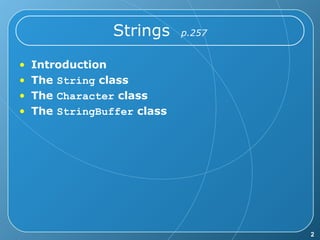
![Introduction A string is sequence (series) of characters. A string is NOT an array of characters. E.g. in C/C++: char s[20]; In Java, A String is an object. Java has 3 String classes: String StringBuffer StringTokenizer](https://image.slidesharecdn.com/chapter7-string-090928103500-phpapp01/85/Chapter-7-String-3-320.jpg)
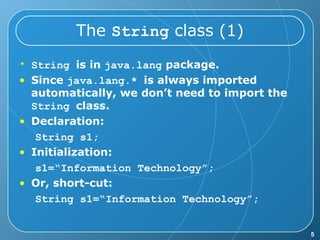
![The String class (2) Because String is a class, then s1 is an object. So there should be constructors, methods, or properties. String constructors: String() String(String value) String(char[] value) Ex: String s1 = new String(“IT”); You just say: String s1 = “IT”;](https://image.slidesharecdn.com/chapter7-string-090928103500-phpapp01/85/Chapter-7-String-6-320.jpg)
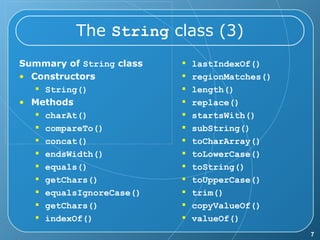
![The String class (4) Q. How do I get those methods to use? A. You just declare a variable as String. String s1=“npic”; Then, you call a method, say length() . System.out.println( s1.length() ); Let’s try this out: Public class TestString { public static void main(String[] args){ String s1=“npic”; System.out.println(s1.length()); } }](https://image.slidesharecdn.com/chapter7-string-090928103500-phpapp01/85/Chapter-7-String-8-320.jpg)
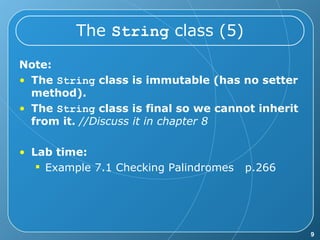

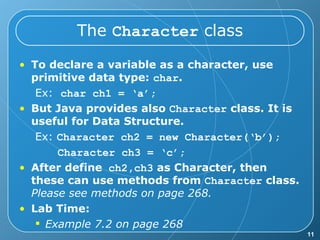
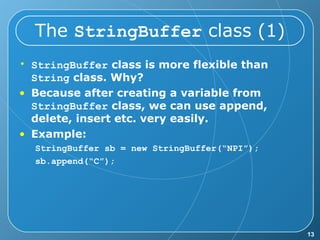
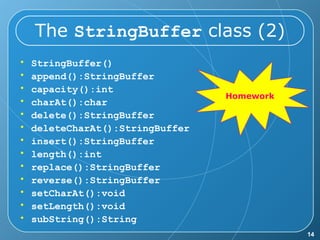
![The StringBuffer class (2) Append StringBuffer st = new StringBuffer("H"); st.append('i'); st.append(5); st.append("."); st.append("com"); //output: Hi5.com Please make some note on the code. StringBuffer provided overloaded methods to append boolean, char, char[], double, float, int, long, String .](https://image.slidesharecdn.com/chapter7-string-090928103500-phpapp01/85/Chapter-7-String-15-320.jpg)


![Introduction A string is sequence (series) of characters. A string is NOT an array of characters. E.g. in C/C++: char s[20]; In Java, A String is an object. Java has 3 String classes: String StringBuffer StringTokenizer](/p?url=https%3A%2F%2Fimage.slidesharecdn.com%2Fchapter7-string-090928103500-phpapp01%2F85%2FChapter-7-String-3-320.jpg&__src=https%3A%2F%2Fwww.slideshare.net%2Fslideshow%2Fchapter-7-string%2F2082220&__type=image)


![The String class (2) Because String is a class, then s1 is an object. So there should be constructors, methods, or properties. String constructors: String() String(String value) String(char[] value) Ex: String s1 = new String(“IT”); You just say: String s1 = “IT”;](/p?url=https%3A%2F%2Fimage.slidesharecdn.com%2Fchapter7-string-090928103500-phpapp01%2F85%2FChapter-7-String-6-320.jpg&__src=https%3A%2F%2Fwww.slideshare.net%2Fslideshow%2Fchapter-7-string%2F2082220&__type=image)

![The String class (4) Q. How do I get those methods to use? A. You just declare a variable as String. String s1=“npic”; Then, you call a method, say length() . System.out.println( s1.length() ); Let’s try this out: Public class TestString { public static void main(String[] args){ String s1=“npic”; System.out.println(s1.length()); } }](/p?url=https%3A%2F%2Fimage.slidesharecdn.com%2Fchapter7-string-090928103500-phpapp01%2F85%2FChapter-7-String-8-320.jpg&__src=https%3A%2F%2Fwww.slideshare.net%2Fslideshow%2Fchapter-7-string%2F2082220&__type=image)


![The StringBuffer class (2) Append StringBuffer st = new StringBuffer("H"); st.append('i'); st.append(5); st.append("."); st.append("com"); //output: Hi5.com Please make some note on the code. StringBuffer provided overloaded methods to append boolean, char, char[], double, float, int, long, String .](/p?url=https%3A%2F%2Fimage.slidesharecdn.com%2Fchapter7-string-090928103500-phpapp01%2F85%2FChapter-7-String-15-320.jpg&__src=https%3A%2F%2Fwww.slideshare.net%2Fslideshow%2Fchapter-7-string%2F2082220&__type=image)


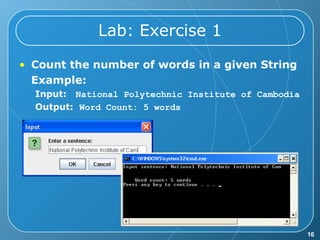
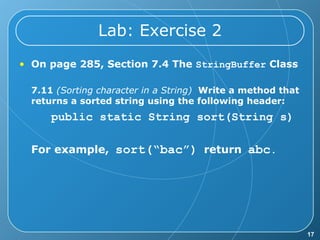
This document discusses various string-related classes in Java, including the String, Character, and StringBuffer classes. It explains the nature of strings as objects, their immutability, and provides examples of their methods and constructors. Lab exercises reinforce concepts such as palindrome checking, word counting, and sorting strings.


