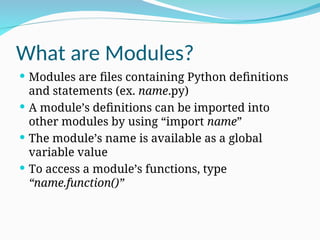
What are Modules?
Modules are files containing Python definitions
and statements (ex. name.py)
A module’s definitions can be imported into
other modules by using “import name”
The module’s name is available as a global
variable value
To access a module’s functions, type
“name.function()”
3.
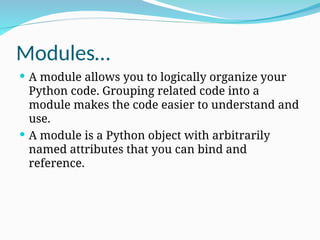
Modules…
A moduleallows you to logically organize your
Python code. Grouping related code into a
module makes the code easier to understand and
use.
A module is a Python object with arbitrarily
named attributes that you can bind and
reference.
4.
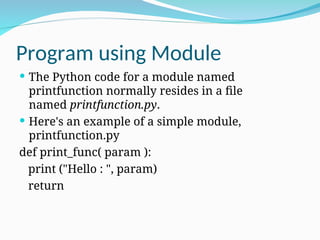
Program using Module
The Python code for a module named
printfunction normally resides in a file
named printfunction.py.
Here's an example of a simple module,
printfunction.py
def print_func( param ):
print ("Hello : ", param)
return
5.
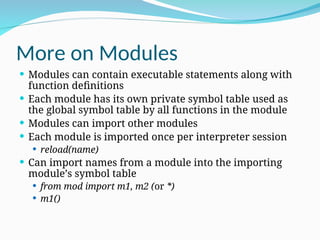
More on Modules
Modules can contain executable statements along with
function definitions
Each module has its own private symbol table used as
the global symbol table by all functions in the module
Modules can import other modules
Each module is imported once per interpreter session
reload(name)
Can import names from a module into the importing
module’s symbol table
from mod import m1, m2 (or *)
m1()
6.
From…import statement
Python'sfrom statement lets you import specific
attributes from a module into the current namespace.
The from...import has the following syntax:
from modname import name1[,name2[,….nameN]]
For example, to import the function fibonacci from the
module fib, use the following statement
from fib import Fibonacci
This statement does not import the entire module fib
into the current namespace; it just introduces the item
fibonacci from the module fib into the global symbol
table of the importing module.
7.
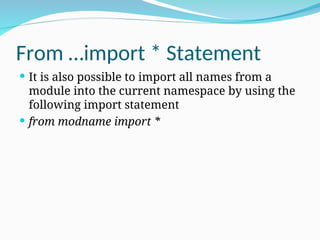
From …import *Statement
It is also possible to import all names from a
module into the current namespace by using the
following import statement
from modname import *
8.
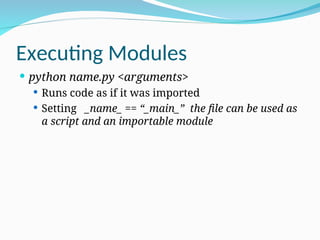
Executing Modules
pythonname.py <arguments>
Runs code as if it was imported
Setting _name_ == “_main_” the file can be used as
a script and an importable module
9.
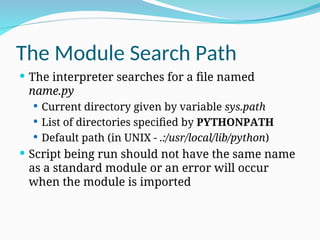
The Module SearchPath
The interpreter searches for a file named
name.py
Current directory given by variable sys.path
List of directories specified by PYTHONPATH
Default path (in UNIX - .:/usr/local/lib/python)
Script being run should not have the same name
as a standard module or an error will occur
when the module is imported
10.
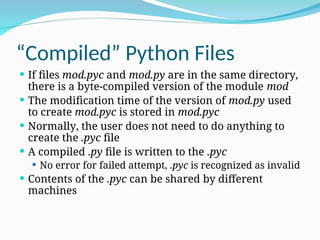
“Compiled” Python Files
If files mod.pyc and mod.py are in the same directory,
there is a byte-compiled version of the module mod
The modification time of the version of mod.py used
to create mod.pyc is stored in mod.pyc
Normally, the user does not need to do anything to
create the .pyc file
A compiled .py file is written to the .pyc
No error for failed attempt, .pyc is recognized as invalid
Contents of the .pyc can be shared by different
machines
11.
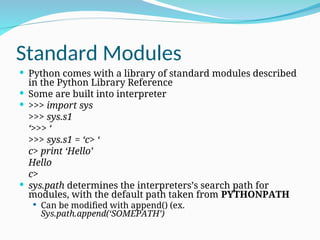
Standard Modules
Pythoncomes with a library of standard modules described
in the Python Library Reference
Some are built into interpreter
>>> import sys
>>> sys.s1
‘>>> ‘
>>> sys.s1 = ‘c> ‘
c> print ‘Hello’
Hello
c>
sys.path determines the interpreters’s search path for
modules, with the default path taken from PYTHONPATH
Can be modified with append() (ex.
Sys.path.append(‘SOMEPATH’)
12.
The dir() Function
Used to find the names a module defines and returns
a sorted list of strings
>>> import mod
>>> dir(mod)
[‘_name_’, ‘m1’, ‘m2’]
Without arguments, it lists the names currently
defined (variables, modules, functions, etc)
Does not list names of built-in functions and
variables
Use _bulltin_to view all built-in functions and variables
13.
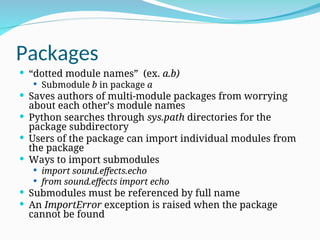
Packages
“dotted modulenames” (ex. a.b)
Submodule b in package a
Saves authors of multi-module packages from worrying
about each other’s module names
Python searches through sys.path directories for the
package subdirectory
Users of the package can import individual modules from
the package
Ways to import submodules
import sound.effects.echo
from sound.effects import echo
Submodules must be referenced by full name
An ImportError exception is raised when the package
cannot be found
14.
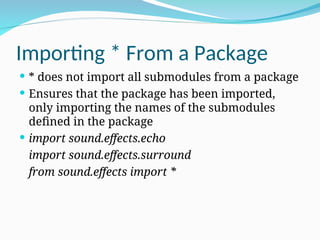
Importing * Froma Package
* does not import all submodules from a package
Ensures that the package has been imported,
only importing the names of the submodules
defined in the package
import sound.effects.echo
import sound.effects.surround
from sound.effects import *
15.
Intra-package References
Submodulescan refer to each other
Surround might use echo module
import echo also loads surround module
import statement first looks in the containing package
before looking in the standard module search path
Absolute imports refer to submodules of sibling
packages
sound.filters.vocoder uses echo module
from sound.effects import echo
Can write explicit relative imports
from . import echo
from .. import formats
from ..filters import equalizer
16.
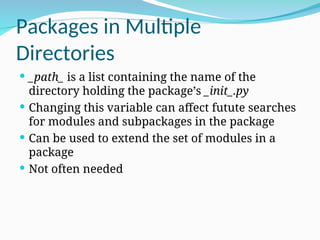
Packages in Multiple
Directories
_path_ is a list containing the name of the
directory holding the package’s _init_.py
Changing this variable can affect futute searches
for modules and subpackages in the package
Can be used to extend the set of modules in a
package
Not often needed

![From…import statement
Python's from statement lets you import specific
attributes from a module into the current namespace.
The from...import has the following syntax:
from modname import name1[,name2[,….nameN]]
For example, to import the function fibonacci from the
module fib, use the following statement
from fib import Fibonacci
This statement does not import the entire module fib
into the current namespace; it just introduces the item
fibonacci from the module fib into the global symbol
table of the importing module.](https://image.slidesharecdn.com/450738551-modules-and-packages-in-python-1-ppt-260214174852-2ed4db0e/85/450738551-Modules-and-Packages-in-python-1-ppt-ppt-6-320.jpg)
![The dir() Function
Used to find the names a module defines and returns
a sorted list of strings
>>> import mod
>>> dir(mod)
[‘_name_’, ‘m1’, ‘m2’]
Without arguments, it lists the names currently
defined (variables, modules, functions, etc)
Does not list names of built-in functions and
variables
Use _bulltin_to view all built-in functions and variables](https://image.slidesharecdn.com/450738551-modules-and-packages-in-python-1-ppt-260214174852-2ed4db0e/85/450738551-Modules-and-Packages-in-python-1-ppt-ppt-12-320.jpg)



![From…import statement
Python's from statement lets you import specific
attributes from a module into the current namespace.
The from...import has the following syntax:
from modname import name1[,name2[,….nameN]]
For example, to import the function fibonacci from the
module fib, use the following statement
from fib import Fibonacci
This statement does not import the entire module fib
into the current namespace; it just introduces the item
fibonacci from the module fib into the global symbol
table of the importing module.](/p?url=https%3A%2F%2Fimage.slidesharecdn.com%2F450738551-modules-and-packages-in-python-1-ppt-260214174852-2ed4db0e%2F85%2F450738551-Modules-and-Packages-in-python-1-ppt-ppt-6-320.jpg&__src=https%3A%2F%2Fwww.slideshare.net%2Fslideshow%2F450738551-modules-and-packages-in-python-1-ppt-ppt%2F286059511&__type=image)


![The dir() Function
Used to find the names a module defines and returns
a sorted list of strings
>>> import mod
>>> dir(mod)
[‘_name_’, ‘m1’, ‘m2’]
Without arguments, it lists the names currently
defined (variables, modules, functions, etc)
Does not list names of built-in functions and
variables
Use _bulltin_to view all built-in functions and variables](/p?url=https%3A%2F%2Fimage.slidesharecdn.com%2F450738551-modules-and-packages-in-python-1-ppt-260214174852-2ed4db0e%2F85%2F450738551-Modules-and-Packages-in-python-1-ppt-ppt-12-320.jpg&__src=https%3A%2F%2Fwww.slideshare.net%2Fslideshow%2F450738551-modules-and-packages-in-python-1-ppt-ppt%2F286059511&__type=image)


