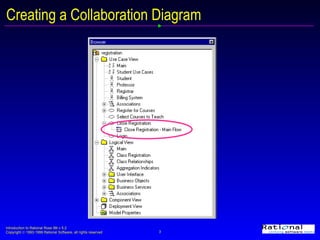
This document provides an introduction to creating collaboration diagrams in Rational Rose 98i. It outlines how to create objects from classes, link objects with messages between them, and map messages to class operations. It notes that while objects and links can be created, messages cannot be moved or inserted in a collaboration diagram, requiring the use of a sequence diagram instead to rearrange messages as needed before switching back to the collaboration diagram. The document includes exercises for the reader to practice these skills by creating sample collaboration and sequence diagrams.