You’ve earned the right to display the Great Place To Work® Certification™ badge proudly, royalty-free for the next 12 months. This page will show you the proper way to use your badge so that you and your company can get the most out of this great achievement.

Your badge is the globally recognized and trusted symbol of excellence and indicates your company is committed to consistently providing your people with a positive, supportive, and fulfilling work environment.
Unlike other workplace awards, the Great Place To Work Certification badge is earned solely based on the feedback from your employees. You can trust it represents an authentic and meaningful “for all” experience, because your people said so.
Job seekers are looking for more than just a paycheck. With your badge, you showcase your commitment to creating an exceptional workplace culture and will attract the best candidates to join your team.


Correct placement of the badge allows for clear space and puts the badge in a prominent location on your promotion.
Always keep your end-use application in mind. We offer file formats that allow for scalability and specialty print methods.
While badges can be shrunk down to fit on a business card, or blown up on a billboard, always keep legibility in mind.
When using the Certification badge, you also agree to our Terms & Conditions. The Certification badge is protected under trademark rights by Great Place To Work and should always be shown with a TM symbol.

Your Certification badge is specialized to your workplace with variable content that localizes your badge specific to your organization’s validation period and country of operation. Without this content, it’s not a valid badge. Certified in more than one country? Need it in a specific language? Not a problem. Check your toolkit.

You’ll want to make sure everyone can see your badge. We’ve created a helpful guide to keep a minimum clear space around the badge. This area is equal to 1/3 of the width and should scale proportionally with the badge.
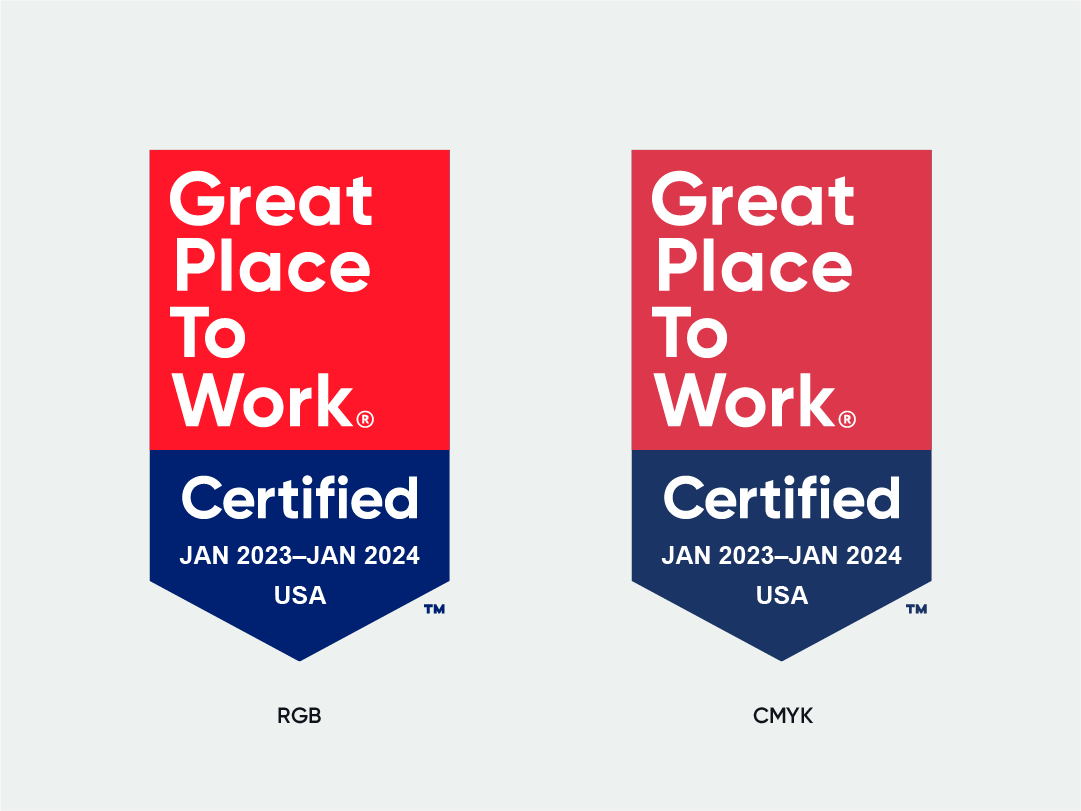
The promotion of this great achievement calls for a full-color badge in most instances. Whether digital or print, we’ve got the right file for you. Below you can find the specific color breakdowns to make sure your badge is reproduced accurately.
GPTW Red |
Navy |
| Pantone: Red 032C R 255 / G 022 / B 040 C 000 / M 090 / Y 088 / K 000 Hex #FF1628 |
Pantone: 662C R 000 / G 033 / B 113 C 100 / M 094 / Y 025 / K 019 Hex #002171 |

In cases where reproducing a full-color badge is not feasible for merchandise, we offer the option to use a one-color version in either black or white. These alternative color files must be requested and will be provided as an as needed basis.


R 255 / G 255 / B 255
Hex #FFFFFF

Do not convert the full color badge to grayscale. Instead please request a black or white version.
Simply put, RGB is the color mode intended for screen displays, while CMYK is the color mode intended for printing with ink. We export Certification Badges in a variety of file formats and color profiles, so you have exactly what you need to promote in any application you’d like.
The color mode is often predefined by the file format, but can sometimes be changed or accidentally overridden. For further guidance on which file format to use for your end-use case see the file format section below.
We try to make the badge easy to use for you and your workplace, but we get that not everyone has access to a design team. We understand mistakes happen, but altering the badge in any way can harm the credibility of your badge, and nobody wants that. We’ve listed a few things here that you’ll want to avoid.

The Great Place To Work logo is strictly prohibited for use by any organization and should never be used as a replacement for your Certification badge.

Do not try to change the badge's styling or placement, or create an unapproved combination of variable or invariable content.

Do not alter the overall footprint or containing shape of the badge.

Do not alter the color or use any other non-approved color variations of the badge.

Do not add a drop shadow, outer glow, or any other effects to the badge.

Do not stretch or distort the badge in any way.
Now that we’ve covered how to (and how not to) use your badge, let’s get promoting! Access your badge via your customer portal and toolkit.
Questions: please contact support@greatplacetowork.com


