Building
-
Download and install the latest Visual Studio 2026.
Make sure to select the Desktop development with C++ workload. -
Download and install the latest Windows SDK.
-
At the root directory you will find a single script:
-
Windows:
generate_project_files.bat -
Linux:
generate_project_files.sh
It's interactive and lets you choose what to generate:
- Vulkan for Windows
- D3D12 for Windows
- Vulkan for Linux
On first run it automatically downloads and extracts the precompiled third-party libraries (~hundreds of MB from Dropbox) and stages everything under
binaries/. No Python, nopip, no extra tooling, the engine ships withpremake5.exeand7z.exeand that's all that's needed.Warning:
The D3D12 backend is still under active development and does not render yet. Generate it only if you plan to contribute or experiment.
Same goes for the Linux build, it can compile, boot up and render the editor, use it only if you want to help finish it.
-
Windows:
-
Run
generate_project_files.bat(or.shon Linux) and follow the on-screen prompts.
-
Once the script finishes, a Visual Studio 2026 solution (
spartan.slnx) will appear in the root directory.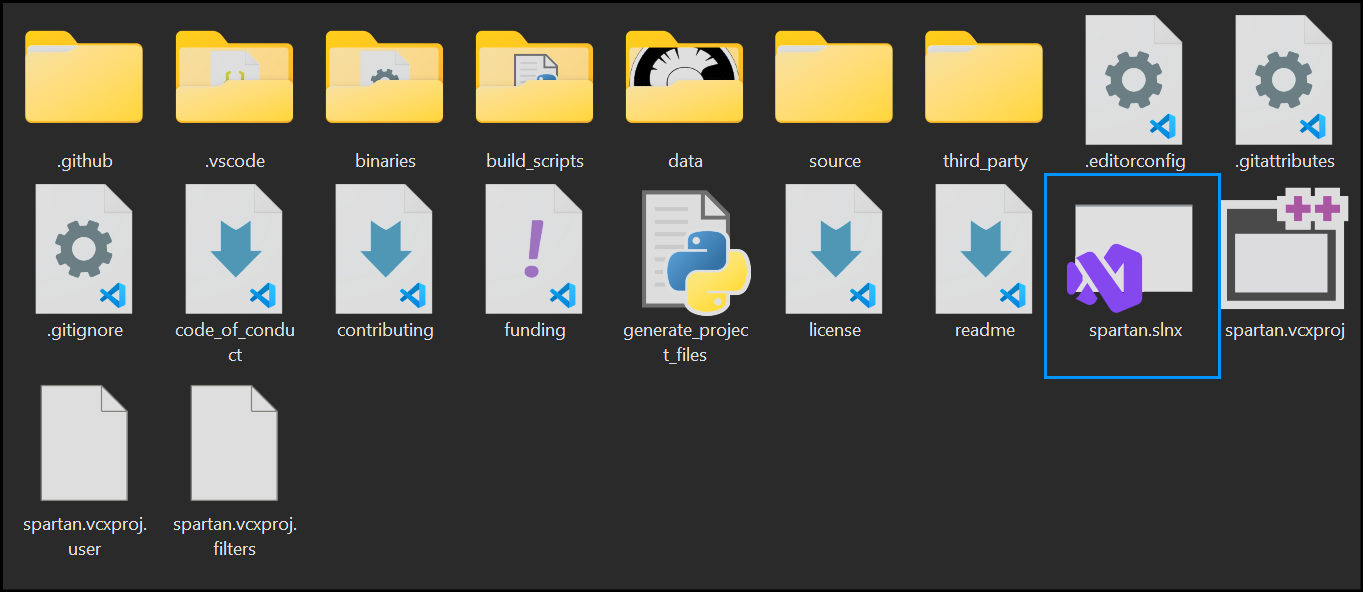
-
Open the generated solution in Visual Studio and build the engine.